Backup your Mac without time machine
Time machine is a powerful tool to protect all files on Mac, but maybe sometime you only need a simple alternative way.
Here I want to share a way to use build-in rsync command backup a folder to antoher place.
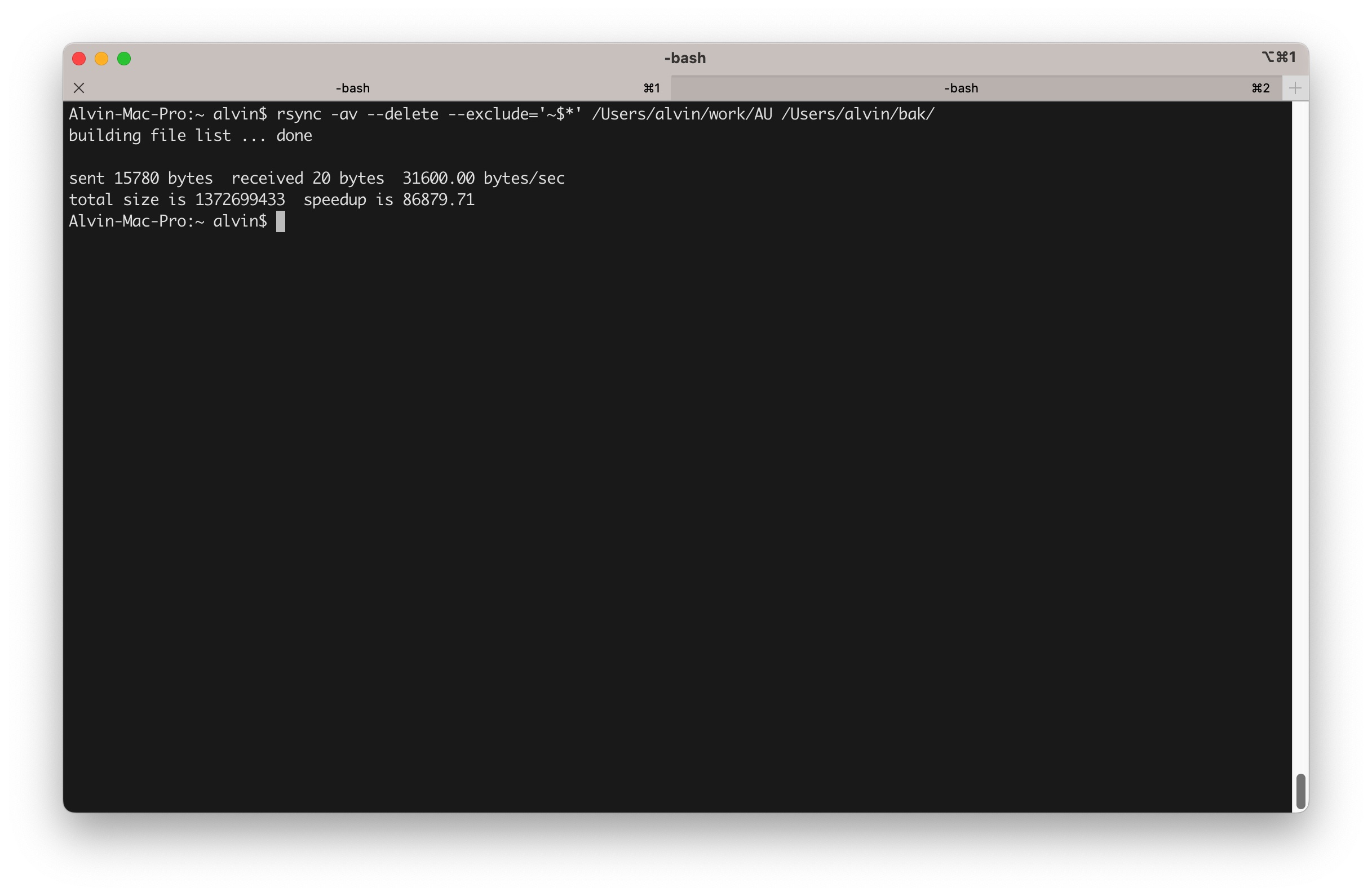
You only need one command line:
rsync -av --delete --exclude='~$*' /Users/alvin/work/ /Users/alvin/bak/Here work/AU is source folder and bak is target folder. They are on different hard disk.
Let me explain some parameters:
-a copy files with original create time and attributes.
-v show detail progress
–delete remove files not at source folder
–exclude skip backup some files
-c compare files to optimize network transmission. I do not need it since I only copy it at local.
You can use build-in crontab command to schedule it, for example I want it run every 4 hours. Use crontab -e to configure crontab job, input following configuration and press escape and input :wq enter to save changes.
0 */4 * * * /usr/bin/rsync -av --delete --exclude='~$*' /Users/alvin/work/ /Users/alvin/bak/
If you want to backup to iCloud Drive, please use the following folder:
/Users/alvin/Library/Mobile\ Documents/com~apple~CloudDocs


0 Comments